
How to scan and view AR
AliveIt brings printed images to life with augmented reality (AR). Point your phone camera at a picture, and a video plays right on top of it ✨
Got a product with a QR code? Here's how to see its video in a few seconds.
Works on iPhone and Android, right in your browser. No app needed.
- Scan the QR code with your phone camera and tap the link.
- Point your camera at the image and watch the video play.
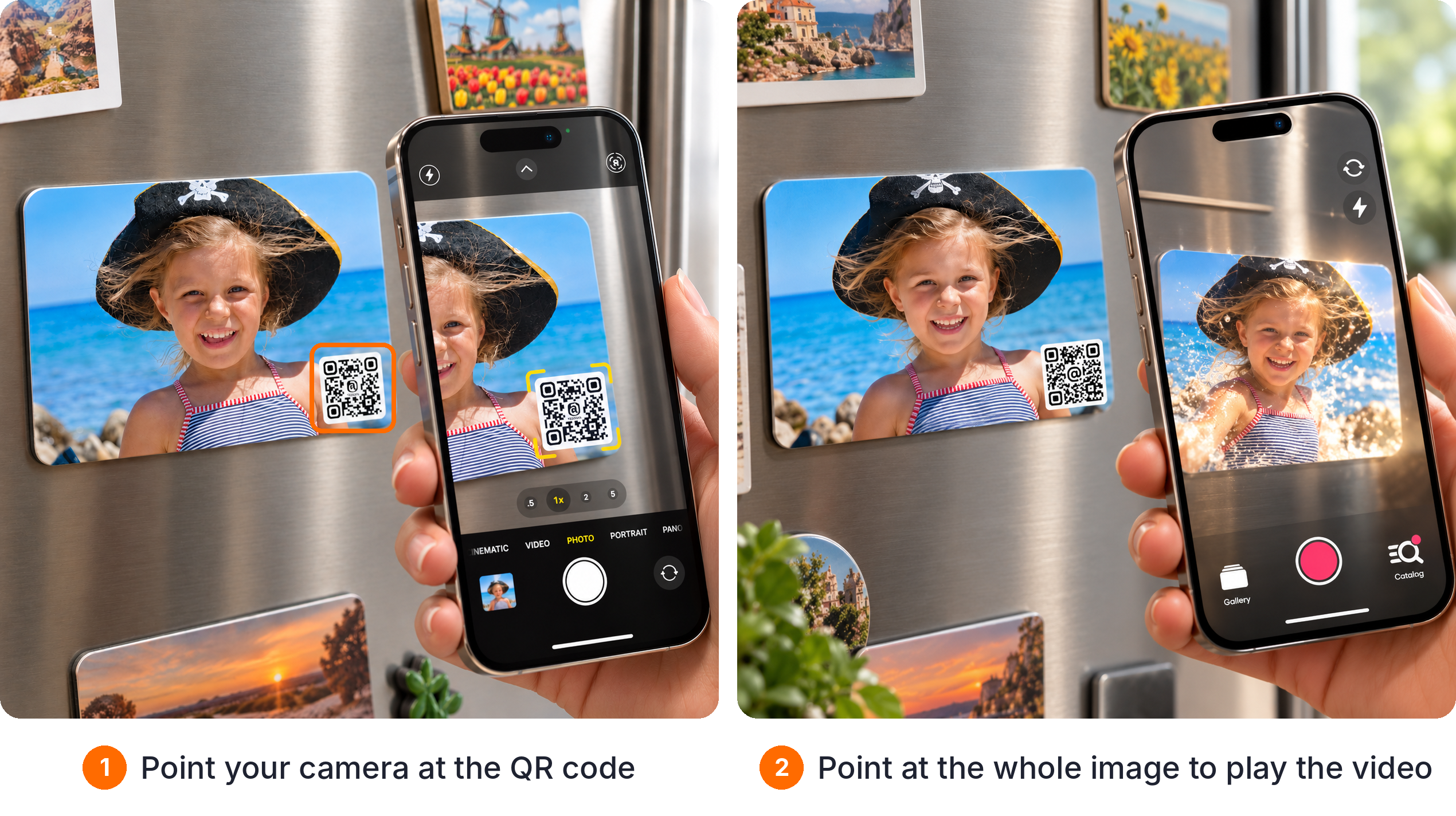
Tap Allow when asked for camera access.
Want even more? Get the free AliveIt app:
- Smoother, full AR experience
- Save videos to your Gallery
- Watch them anytime, even offline
Not working? Try better lighting, keep the whole image on screen, and check your internet.
Still stuck? Contact us