Delete AR orders and activations
Every time you create AR, you create an order. An order can hold one AR activation or many, for example a batch of photos with videos or a batch of QR codes. On paid plans, you get the credits back when you delete an order.
Heads up: deleting can't be undone. We don't keep deleted orders, so we can't restore them. Please double-check before you delete.
Delete an order
- Go to Activation history.
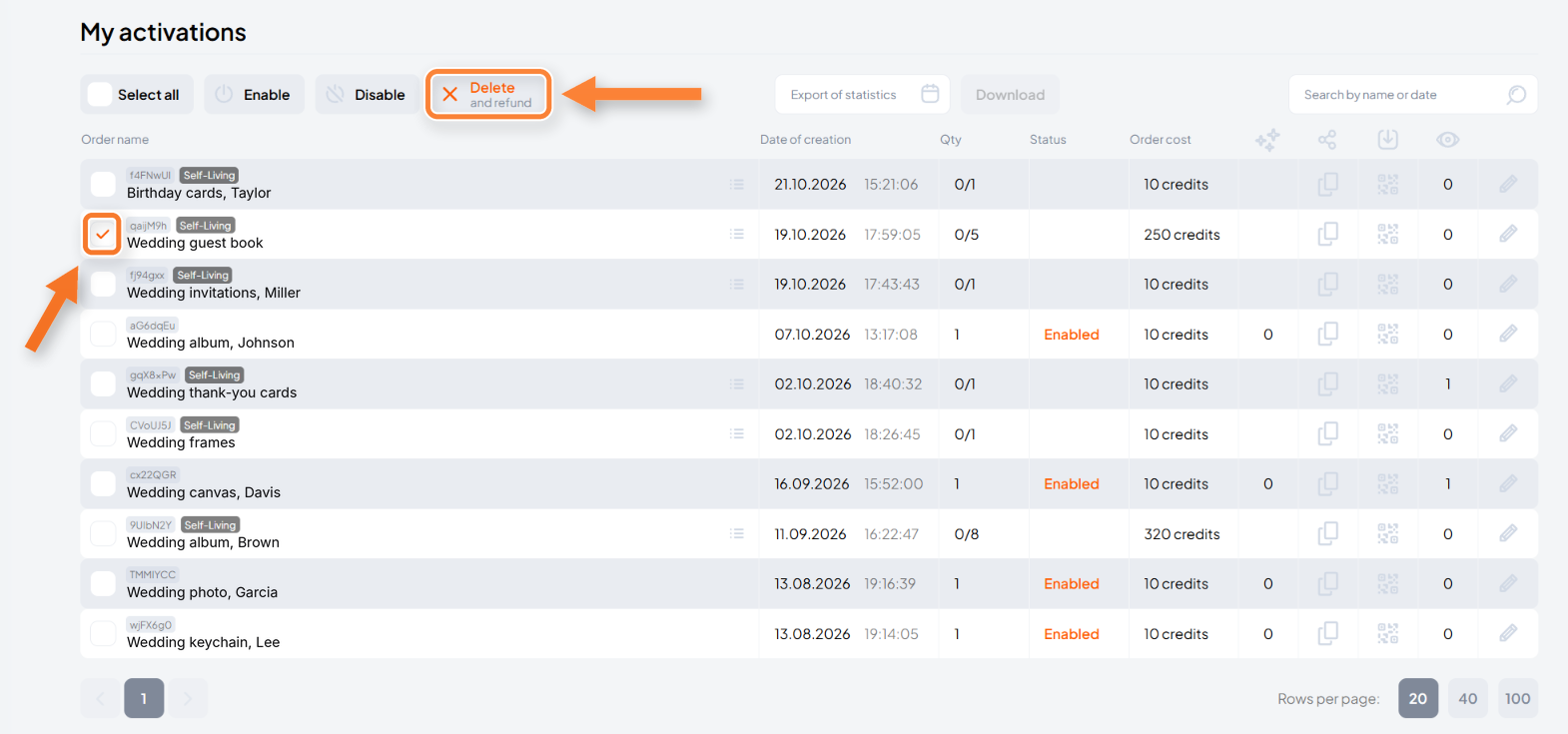
- Check the box next to the order you want to delete. You can select several, or click Select all.
- Click Delete and refund. The button becomes active once you select an order.
- In the confirmation window, check how many credits you'll get back and click Delete.
On paid plans, the credits go back to your balance. Credits aren't refunded on the free plan.
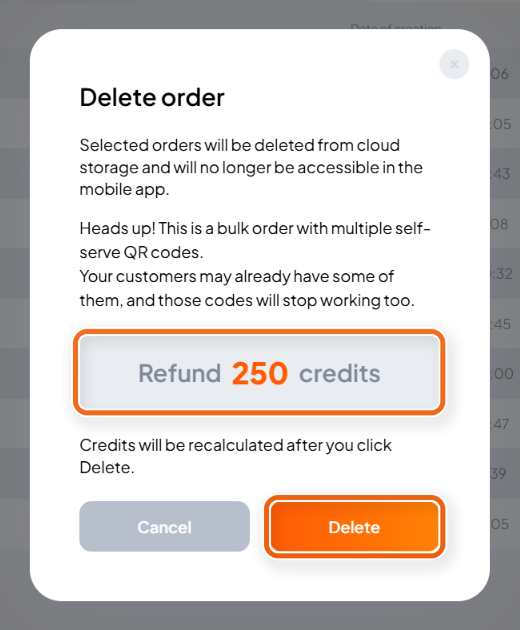
Good to know: you delete the whole order with every AR activation in it, even if a customer has already used one of them. For self-serve QR codes, all codes in the order stop working, including the ones your customers already have.
Can I delete just one AR activation?
Have an order with several AR activations and want to remove just one? You can do it without deleting the whole order.
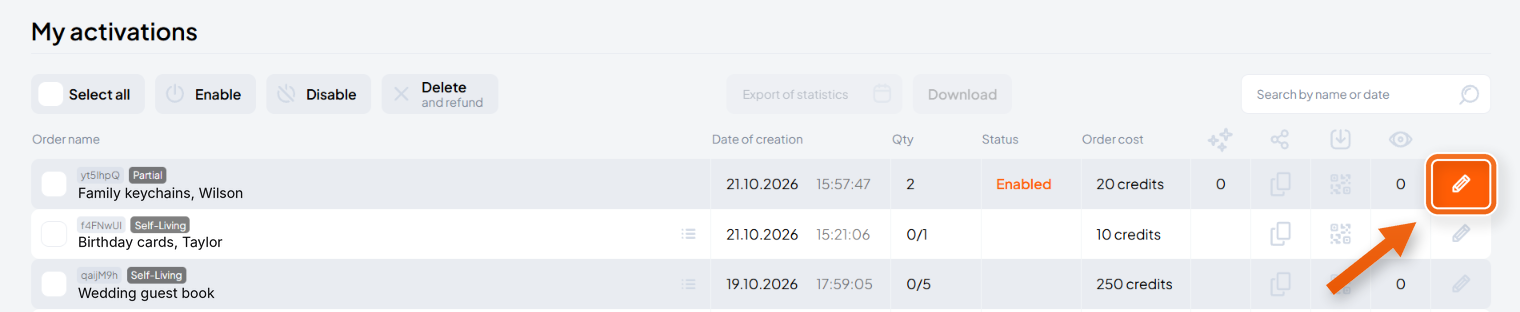
- Go to Activation history and click the pencil icon at the end of the order’s row.
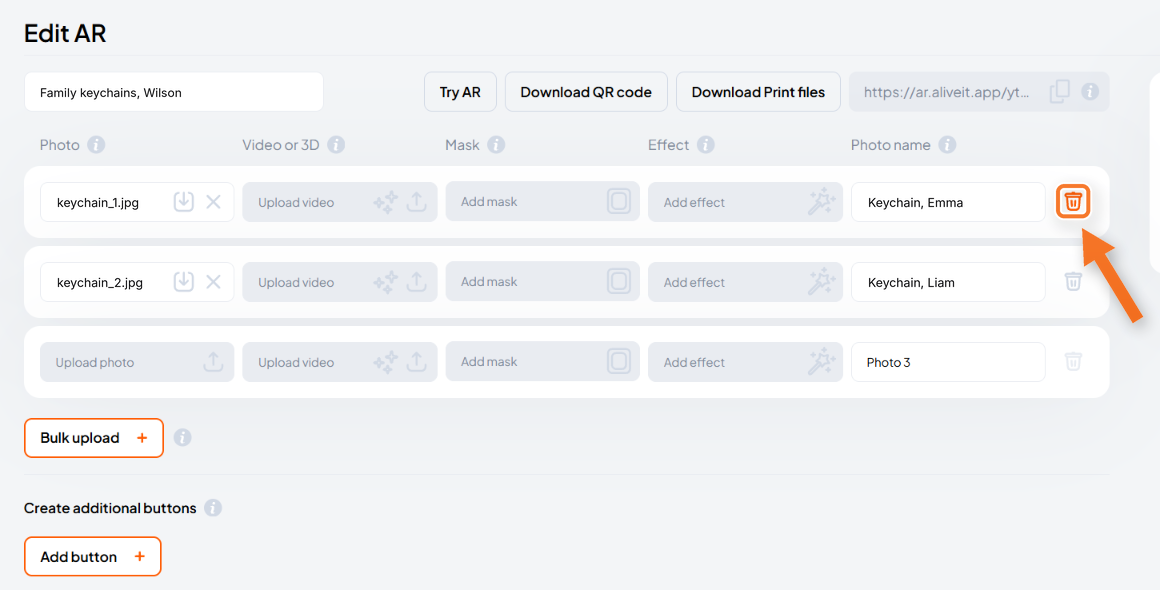
- On the Edit AR page, find the AR activation you want to remove and click the trash icon at the end of its row.