Find an AR activation
Got lots of activations? Here's how to find the one you need in seconds.
Tip: Give each activation a unique name when you create it. By default, it's named with the type plus the date and time, like "AR photo 2026.10.02 18:31", which is hard to tell apart later.
Search by name
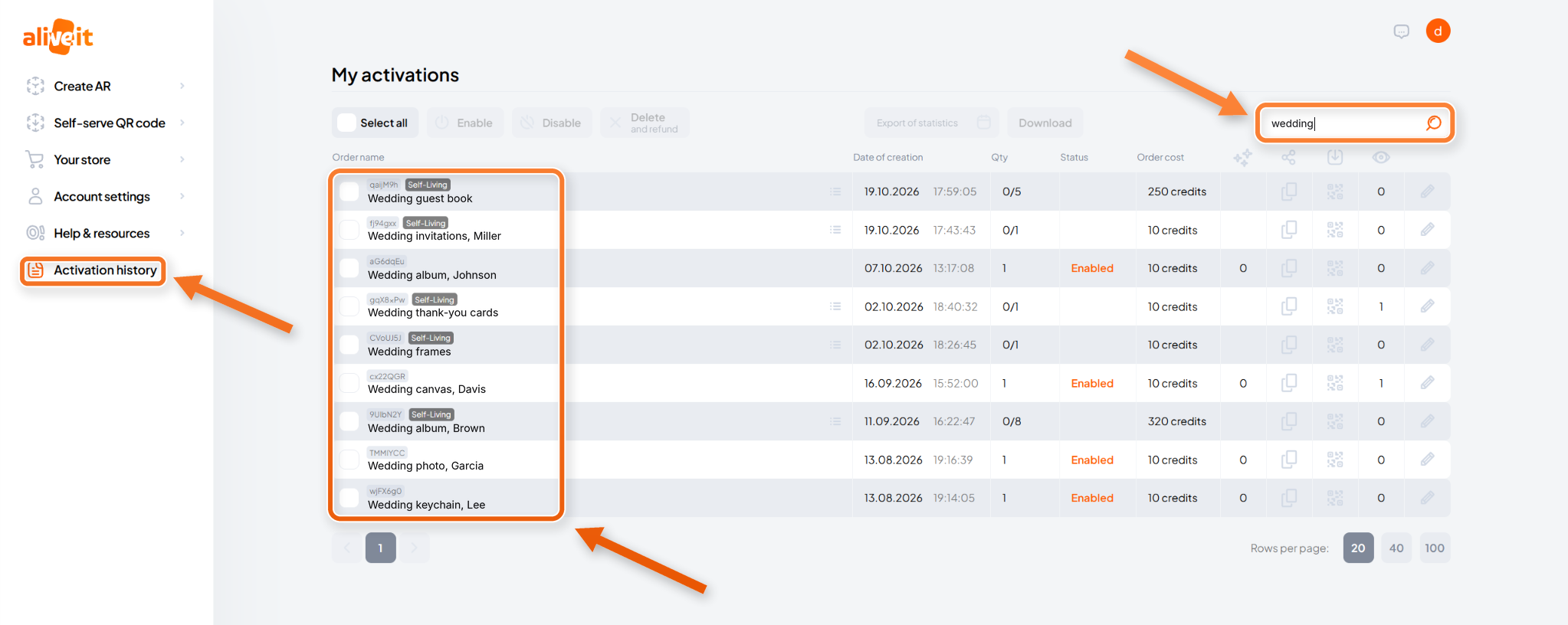
Go to Activation history and type the name, or part of it, in the search bar.
One word shows every activation with that word in its name. To narrow it down, type a part of the name that's unique, or the full name.
Search by QR code ID
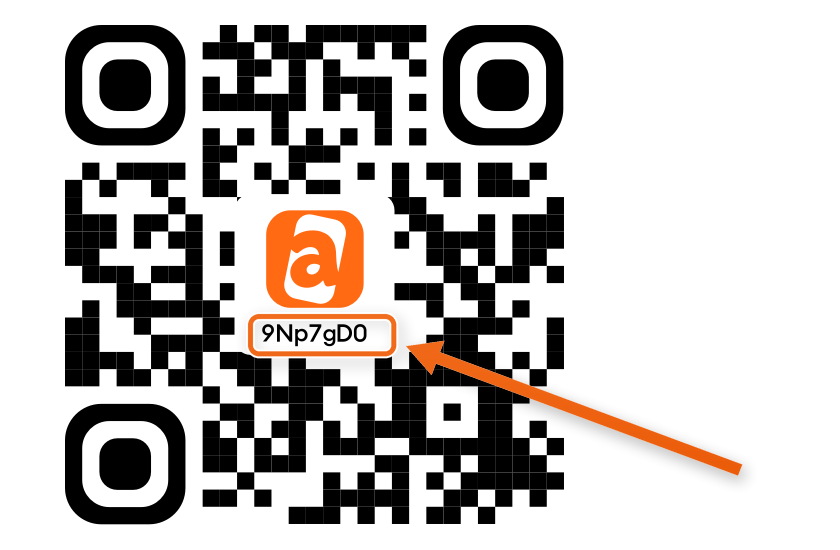
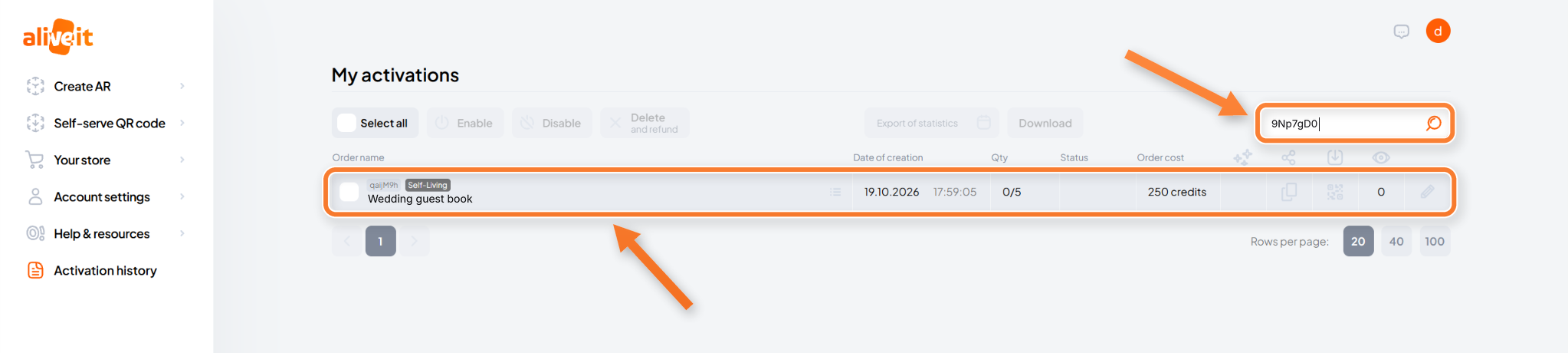
Every QR code has its own ID: a short mix of letters and numbers printed in the middle of the code, under the logo. Type it in the search bar to find the activation it belongs to.